
- Mail Address info@velnustech.com
- Phone Number +91-90990-05498

Contact Info
- C-1024, Siddhivinayak Tower, Kataria Automobile Road Makarba, Ahmedabad - 380051
- +91 90990 05498
- info@velnustech.com
- Week Days: 09.00 to 18.00 Sunday: Closed
video editing apps for small businesses
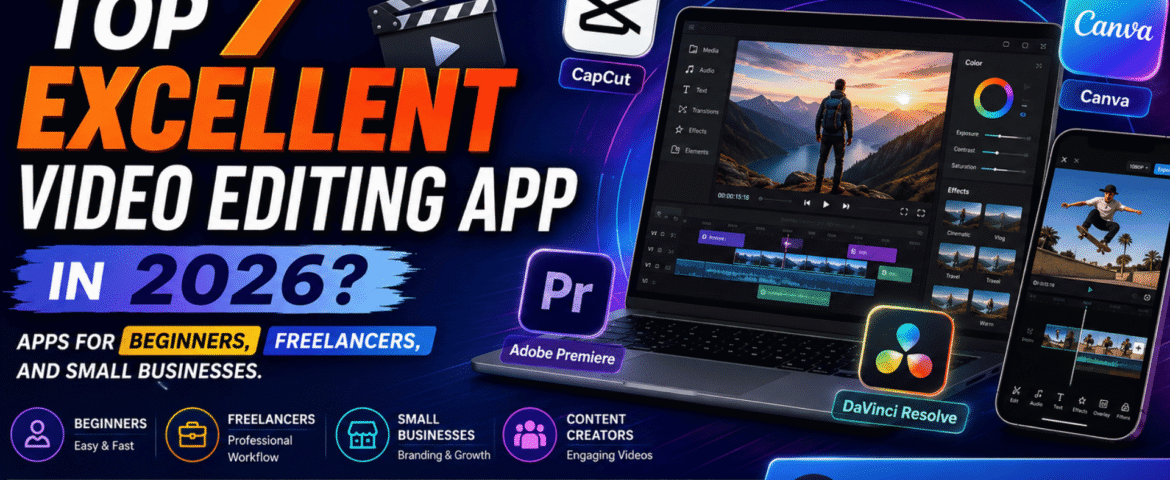
Top 7 Excellent Video Editing App In 2026? Apps For Beginners, Freelancers, And Small Businesses.
- By KHUSHI LIMBASIYA
- 0 Comments
- Latest News technology
The best video editing app depends on what you want to be. Capcut is a good app for beginners and quick social media videos. Canva is great for content from larger businesses. Adobe Premiere is a great option for freelancers who need professional tools, while DaVinci Resolve is a great option if you want powerful professional features with a capable free version. Finding a perfect app isn’t as important as finding a budget-friendly app and it’s also about matching the editor to your skill level, device, budget, content type, and workflow. What is a video editing application? A video editing application is a software that allows you to import video clips, arrange them in time, remove sections you don’t like, add text and captions, add audio, arrange audio, apply transitions and effects, and export the finished video. Modern video editing applications can do much more than basic cutting. Many now include features such as: For example, CapCut provides editing tools such as transitions, filters, transcription, color correction, background removal and AI-powered features. Canva combines video editing with design features, including text animation, transitions, effects, video resizing and AI-assisted tools. Professional applications such as Adobe Premiere and DaVinci Resolve go further with advanced editing, color, audio, effects and post-production workflows. Which Video Editing App Is Best in 2026? There’s no one winner for everyone. User Recommended app Why? Beginner CapCut Easy workflow and ready-made tools Social media creator CapCut Fast editing, templates and captions Small business Canva Branding + video + design in one workflow Freelancer Adobe Premiere Professional editing and client-ready workflow Professional editor DaVinci Resolve Editing, color, VFX and audio Budget-conscious creator DaVinci Resolve Powerful free version Marketing team Canva Easy collaboration and branded content These recommendations are based on the different workflows of these platforms, not just how they advertise. What is the best video editing app for beginners? For a complete beginner, CapCut is one of the easiest places to start. Its workflow is built around importing media, selecting templates when needed, editing clips, adding effects or text, and exporting the final video. CapCut also provides tools for captions, transitions, filters and AI-assisted editing. Why is CapCut beginner-friendly? A beginner usually wants to answer four questions quickly: CapCut provides a straightforward workflow for these basic tasks. It’s particularly useful when your goal is to create: The biggest advantage for a beginner is speed: you can learn basic editing concepts without first learning a complicated professional post-production environment. Which Video Editing App Is Best for Small Businesses? For small businesses, Canva can be an excellent choice when video editing and branding need to happen together. A business often needs more than video editing. You may also need: Canva’s video tools support trimming, splitting, transitions, text, effects, filters, music and resizing. Its platform also combines video with broader design capabilities. Why does branding matter in business videos? Imagine a local restaurant creating a 20-second Instagram Reel. The video may need: Opening: Product shot Middle: Product benefits or offer Branding: Logo + colors Ending: Call to action Instead of creating every element in separate software, a design-oriented platform can simplify the process. For small businesses, the goal isn’t necessarily to produce a Hollywood-style video. The goal is often to produce clear, branded and consistent content quickly. Which video editing app is best for freelancers? For freelancers handling client projects, Adobe Premiere is a good professional option. Premiere offers tools for frame-accurate editing, layered audio, color correction, effects, titles, and an AI-assisted workflow. Its current feature set includes tools like text-based editing, media intelligence, object masks, enhanced speech, and auto-reframe. Here’s the copyright-protected, original version of your content: Why is professional software important for freelancers? Freelancers often work on a variety of projects, including: Professional editing software goes beyond basic template-based editing, providing the flexibility and precision needed to meet individual client needs. For example, Adobe Premiere Pro includes text-based editing, allowing editors to create rough cuts by editing automatically generated transcripts instead of manually trimming footage. It also offers AI-powered features that simplify repetitive tasks, such as finding specific clips, improving speech quality, creating subject masks, and resizing videos for different platforms, allowing freelancers to work faster while maintaining professional results. Is DaVinci Resolve a good option for professional video editing? Yes. DaVinci Resolve is considered one of the best professional video editing applications, especially for creators who want advanced features without paying for a monthly subscription. Created by Blackmagic Design, DaVinci Resolve combines video editing, color grading, visual effects, motion graphics, and audio production in a single software package. Its free version offers powerful editing capabilities, including support for 8-bit video formats, frame rates up to 60 fps, and Ultra HD (3840 × 2160) resolution. Why should beginners learn DaVinci Resolve? Although DaVinci Resolve is more difficult to learn than many beginner-friendly editors, mastering it provides valuable skills for professional video production. This software uses dedicated workspaces that help organize every stage of the editing process, including: For anyone planning a career in video editing, learning DaVinci Resolve can be a smart investment. Its professional workflow and extensive feature set make it perfect for everything from personal projects to commercial productions. Is DaVinci Resolve a good option for professional video editing? Yes. DaVinci Resolve is considered one of the best professional video editing applications, especially for creators who want advanced features without paying for a monthly subscription. Created by Blackmagic Design, DaVinci Resolve combines video editing, color grading, visual effects, motion graphics, and audio production in a single software package. Its free version offers powerful editing capabilities, including support for 8-bit video formats, frame rates up to 60 fps, and Ultra HD (3840 × 2160) resolution. Why should beginners learn DaVinci Resolve? Although DaVinci Resolve is more difficult to learn than many beginner-friendly editors, mastering it provides valuable skills for professional video production. This software uses dedicated workspaces that help organize every stage of the editing process, including: For anyone planning a career in video editing, learning DaVinci