
- Mail Address info@velnustech.com
- Phone Number +91-90990-05498

Contact Info
- C-1024, Siddhivinayak Tower, Kataria Automobile Road Makarba, Ahmedabad - 380051
- +91 90990 05498
- info@velnustech.com
- Week Days: 09.00 to 18.00 Sunday: Closed
AI tools
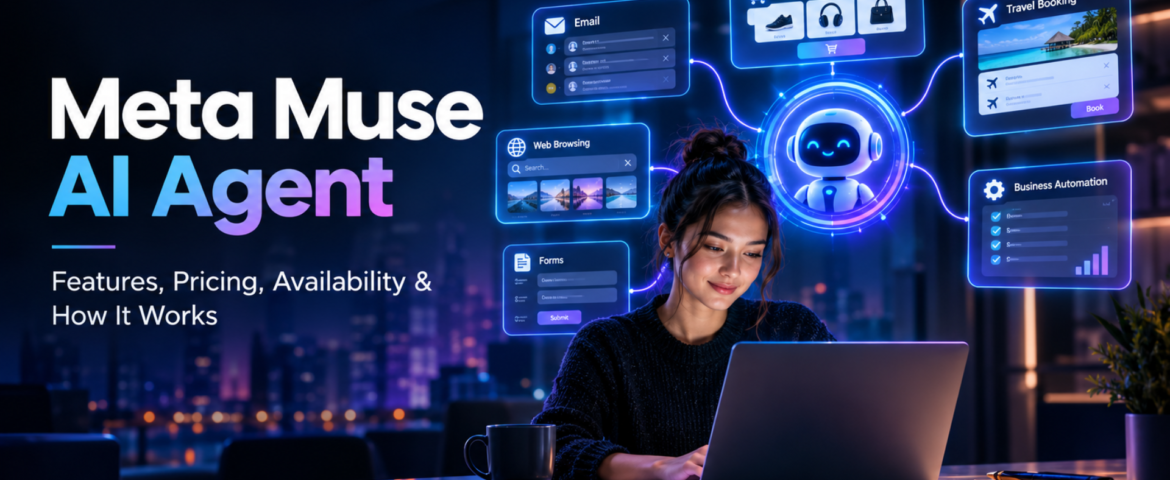
Meta Muse AI Agent: 7 Powerful Features, Pricing, Availability & How It Works
- By pmayank658@gmail.com
- 1 Comment
- Latest News technology
In brief: Meta Muse is a new personal AI agent designed to perform tasks for users rather than simply answering questions. You can tell Muse what you want to achieve, and—based on the task, permissions, and necessary approvals—it can plan the work, browse websites, fill out forms, send emails, assist with completing purchases, and continue working on longer tasks even after you close the app. Meta officially launched Muse on September 8, 2026, initially making it available in the US via the Muse app and WhatsApp. And yes, Meta Muse AI Agent is trending right now. Google Trends’ India trending page currently shows the query “meta muse ai agent” at 20K+ searches, up 900%, with the trend active around two hours ago. But the interesting part is not just that Meta launched another AI product. The bigger story is that AI is moving from “I will give you an answer” toward “I will try to get the task done for you.” What Is Meta Muse AI Agent? Meta Muse is a personal AI agent developed by Meta. A normal AI chatbot generally waits for your prompt, generates an answer and then waits again. An AI agent works differently. You can give an agent a goal, and it can decide which steps are needed to move toward that goal. For example, instead of asking: “How do I plan a trip to Dubai?” you could potentially tell an agent: “Plan my Dubai trip for next month, find suitable flights and hotels within my budget, and prepare the options for me.” The important difference is action. Meta says Muse can work across applications and websites, open a browser, fill forms, coordinate tasks and continue working on longer jobs. In simple words: Chatbot = gives you information. AI agent = can use information and tools to take action. That difference is the main reason Meta Muse is getting so much attention. How Does Meta Muse AI Agent Work? Muse is powered by Muse Spark, which Meta describes as its most capable model for real-world agentic work. But the model itself isn’t the whole story. Meta has built a separate environment called Muse Secure VM. A VM, or virtual machine, is basically an isolated computer environment running in the cloud. Meta says every Muse operates inside a dedicated secure virtual machine containing the agent and the user’s data. It also has its own browser so Muse can interact with websites while keeping that activity inside the controlled environment. What is agentic AI? Agentic AI refers to AI systems that can do more than generate text or images. They can: That makes agentic AI particularly interesting for automation. For example, a freelancer could theoretically ask an AI agent to research potential clients, organize information and prepare outreach material instead of manually completing every small step. The agent still needs supervision, especially when money, private information or important decisions are involved. What is Muse Spark? Muse Spark is the AI model powering the Muse personal agent. Meta says it was designed for real-world agentic work rather than simply producing conversational answers. This distinction is important because Muse and Muse Spark are not exactly the same thing. Muse is the personal AI agent/product. Muse Spark is the model powering that agent. What is Sentinel? Meta also describes a separate safety system called Sentinel. According to Meta, Sentinel controls what Muse can send to the internet and can require user permission for sensitive actions. Muse can also show an audit trail of actions it has taken or plans to take. This matters because an AI that can actually act needs stronger controls than a chatbot that only generates text. What Can Meta Muse AI Agent Actually Do? This is probably the biggest question for beginners. Meta says Muse can perform a range of tasks across connected services. Can Meta Muse AI Agent send emails? Yes. Muse can help draft and send emails, although sensitive actions can require user approval. This is different from asking ChatGPT: “Write an email to my client.” Muse’s goal is to move further toward: “Write the email, send it to my client and let me know when they respond.” The second example involves an actual workflow. Can Meta Muse book travel? Meta says Muse can help with travel planning and booking. It can search, compare information, fill forms and work through the steps required to complete a task. That makes travel planning an interesting example of agentic AI because it often involves several connected tasks rather than one answer. Can Meta Muse shop online? Yes, shopping is another major use case. Meta says Muse can help search for products and make purchases. For payments, Meta has partnered with Stripe’s Link system, including one-time-use card details intended to keep a user’s actual payment information hidden from the agent. However, users should still review purchases before approving them. An AI finding a product is one thing. An AI spending your money is a much bigger responsibility. Can Meta Muse fill forms? Yes. Meta says Muse can open a browser and fill out forms on a user’s behalf. This could be useful for repetitive online tasks where the user has to enter the same type of information again and again. Can Meta Muse work on long-term goals? This is one of the more interesting parts. Meta says Muse isn’t limited to one simple command. Users can give it bigger goals, and Muse can help create a personalized action plan and continue working on it. For example: “Help me organize my fitness routine for the next few months.” or “Help me plan the launch of my small online business.” The important idea is that the user describes the outcome, rather than every individual step. Why Is Meta Muse AI Agent Trending Right Now? There are a few reasons. First, the timing is huge. Meta launched Muse on September 8, 2026, and major technology and news publications immediately started covering it. Reuters described it as an AI agent capable
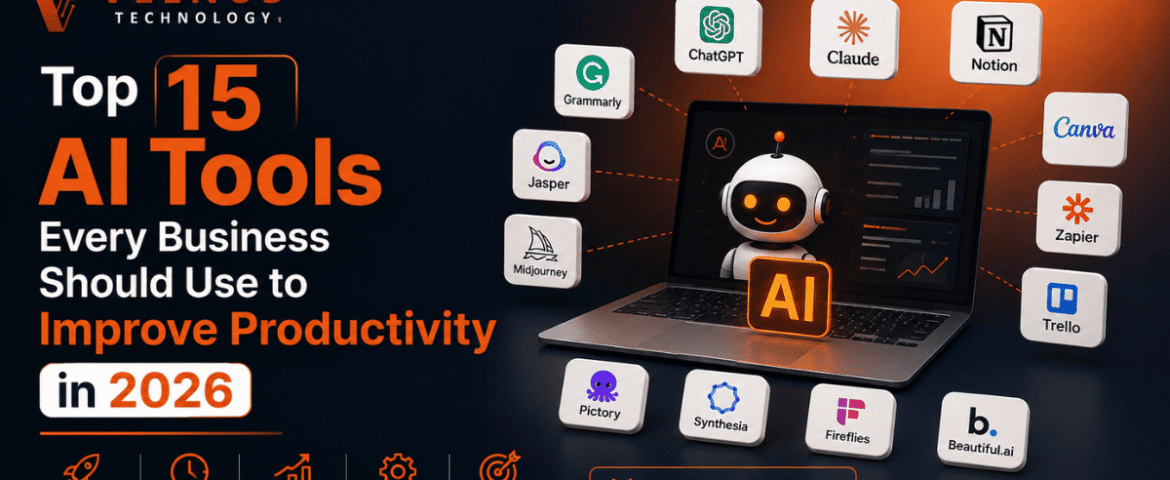
Top 15 AI Tools Every Business Should Use to Improve Productivity in 2026
- By KHUSHI LIMBASIYA
- 0 Comments
- technology Latest News
Modern organizational workflows have moved far beyond manual operations, static spreadsheets, and repetitive routine tasks. To stay competitive in today’s fast-moving digital economy, integrating advanced AI Tools into your daily business stack is no longer an option—it is a core necessity. From intelligent content generation and complex data analysis to automated project management and predictive customer service, artificial intelligence is actively restructuring how work gets done. This comprehensive guide breaks down the top 15 AI Tools that every modern business should deploy in 2026 to streamline operations, eliminate administrative bottlenecks, and maximize overall output. The Transformation of Business Operations Through AI The integration of artificial intelligence across corporate departments has transitioned from basic task automation to full-scale autonomous execution. Modern enterprises are adopting specialized software engines capable of processing vast amounts of unstructured data, recognizing subtle operational patterns, and executing complex, multi-step decisions in real-time. When deployed effectively, business-grade AI Tools serve as specialized digital force multipliers. They allow human teams to shed repetitive administrative tasks—such as manual data entry, routine scheduling, and basic customer inquiries—and direct their efforts toward strategic planning, high-level creative execution, and core business expansion. 1. ChatGPT Enterprise Next-Generation Conversational Intelligence & Reasoning ChatGPT Enterprise remains a foundational tool for organizational operations. Powered by advanced frontier models, this platform acts as a versatile internal assistant capable of analyzing massive datasets, drafting technical documentation, writing code, and answering complex business queries. Key Productivity Benefits 2. Microsoft 365 Copilot Native Suite Productivity Acceleration Microsoft 365 Copilot integrates artificial intelligence directly into standard workplace applications like Word, Excel, PowerPoint, Outlook, and Teams. It serves as an embedded digital assistant that understands full organizational context across your entire operational ecosystem. Key Productivity Benefits 3. Google Gemini Multimodal Workspace Integration Google Gemini offers deep integration across cloud storage, email, document processing, and spreadsheet applications. Its primary strength lies in its native multimodal processing, allowing it to interpret and synthesize text, high-resolution visuals, code, and audio seamlessly within a single workspace. Key Productivity Benefits 4. Claude Long-Document Processing and High-Reasoning Tasks Developed with a strict focus on precision, safety, and deep contextual understanding, Claude excels at processing massive volumes of complex text. It is widely adopted by legal, compliance, and research departments that require rigorous document analysis and nuanced logical reasoning. Key Productivity Benefits 5. Zapier AI Orchestration and Workflow Automation Zapier serves as the central neural network for modern tech stacks. By connecting thousands of distinct software applications, its AI-powered features allow non-technical teams to construct intricate, multi-step automated workflows using standard conversational language. Key Productivity Benefits 6. Notion AI Centralized Knowledge Management and Documentation Notion AI turns static company workspaces into dynamic knowledge repositories. It provides built-in writing, editing, summarization, and search capabilities across all internal project notes, meeting transcripts, and corporate wikis. Key Productivity Benefits 7. Motion Automated Task and Calendar Scheduling Motion acts as an intelligent executive assistant that manages time allocation for entire organizations. Using predictive algorithms, it builds custom daily schedules for team members, constantly rearranging priorities as new urgent tasks emerge. Key Productivity Benefits 8. GitHub Copilot Developer Productivity and Pair Programming For software engineering departments, GitHub Copilot acts as an AI pair programmer. Operating directly within developer coding environments, it provides real-time code completion, suggests optimizations, and writes unit tests automatically. Key Productivity Benefits 9. Perplexity Real-Time Market Research and Information Retrieval Perplexity functions as an advanced, citation-backed intelligence engine designed specifically for fast business research. Instead of requiring researchers to open dozens of search tabs, it scans the web in real-time, synthesizes verified answers, and cites every source explicitly. Key Productivity Benefits 10. Jasper Enterprise Marketing and Brand Copy Generation Jasper is an AI writing engine tailored specifically for enterprise marketing teams, brand managers, and creative agencies. It generates on-brand promotional material across multiple channels while strict adherence to brand voice guides. Key Productivity Benefits 11. Midjourney Visual Asset Conceptualization and Creative Ideation Midjourney is a premier generative image platform recognized for producing high-fidelity visual assets, photorealistic concept art, and innovative marketing graphics. Key Productivity Benefits 12. Fireflies Conversation Intelligence and Meeting Transcription Fireflies operates as an autonomous meeting assistant that joins digital video conferences, records discussions, generates transcriptions, and extracts key action items automatically. Key Productivity Benefits 13. Grammarly Real-Time Communication and Style Optimization Grammarly goes far beyond simple spell-checking, serving as an enterprise-wide communication assistant. It monitors written output across web browsers, email clients, and desktop applications to ensure clarity, proper tone, and brand compliance. Key Productivity Benefits 14. Synthesia AI Video Generation and Multilingual Localization Synthesia allows businesses to create professional video content using photorealistic avatars and synthetic speech, entirely eliminating the need for traditional camera setups, actors, or studio equipment. Key Productivity Benefits 15. Glean Enterprise Search and Grounded Context Layer Glean acts as an intelligent search engine that indexing data across all your disparate corporate tools, including cloud drives, messaging applications, ticketing systems, and databases. It provides a secure context layer so employees can find accurate answers without switching platforms. Key Productivity Benefits Strategic Framework for Evaluating AI Tools Selecting the right software requires a clear framework to avoid tool bloat and integration bottlenecks. Organizations should evaluate new software solutions using four essential criteria: Key Selection Criteria Also Read : How AI Chatbots Are Transforming Customer Support And Engagement Conclusion The corporate landscape in 2026 demands operational speed, contextual clarity, and administrative efficiency. Deploying the right suite of AI Tools allows modern businesses to automate repetitive tasks, extract actionable insights from unstructured data, and streamline cross-departmental workflows. By adopting enterprise-grade intelligence platforms—spanning conversational reasoning, automated project scheduling, intelligent software development, and centralized organizational search—businesses can eliminate operational bottlenecks and build a resilient, future-ready workforce. The key to sustainable growth lies in building a cohesive, connected software ecosystem that amplifies human capability at every level. Frequently Asked Questions (FAQs) Q1 What are AI Tools and how do they benefit modern businesses? AI Tools are software applications that leverage machine learning algorithms, natural language processing, and advanced neural models